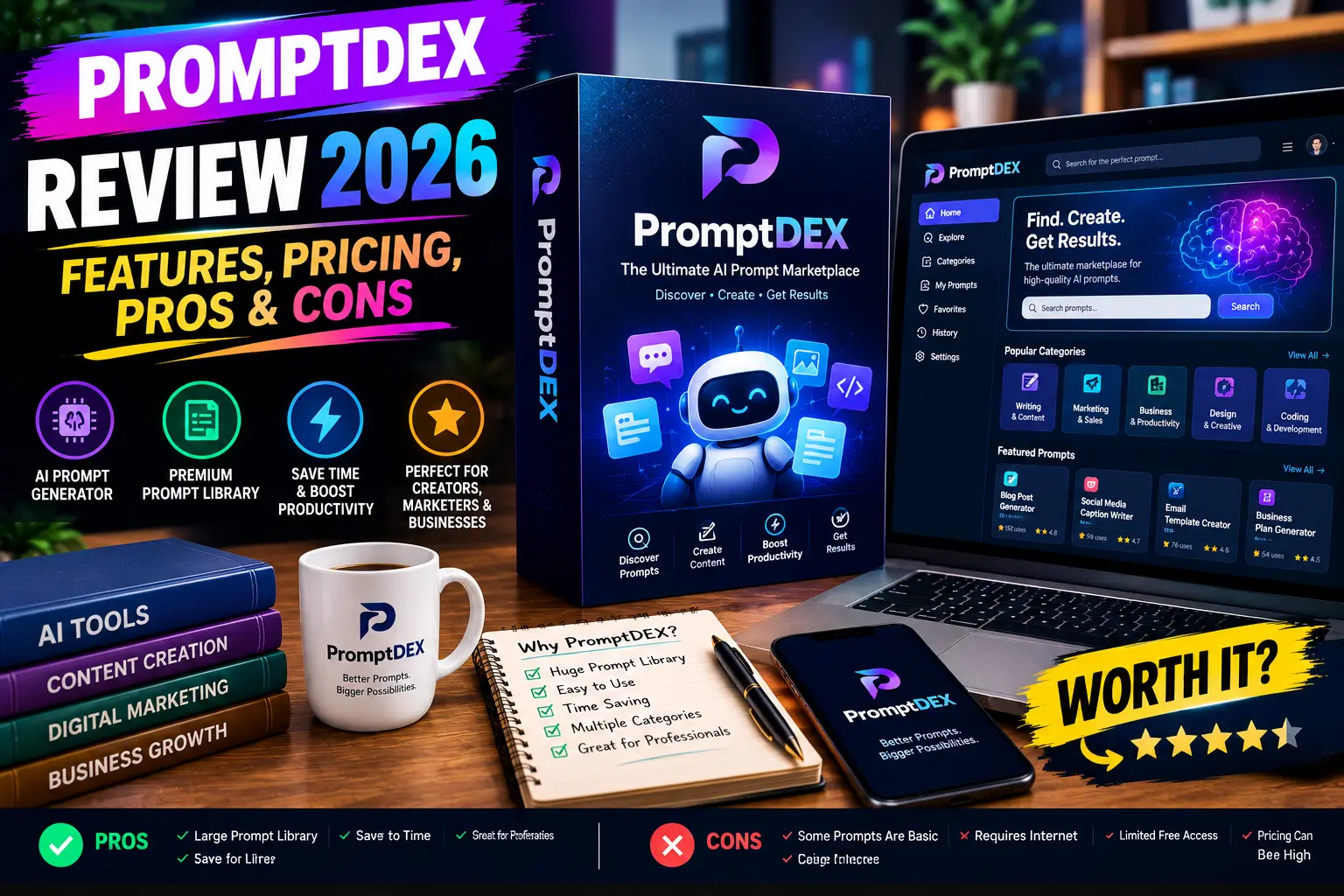
Table of Contents
Introduction
If you use AI tools regularly, you have probably seen a common problem: you know what you want, but your first prompt does not always explain it clearly.
A short instruction such as “write a Facebook ad for my product” may produce a usable answer, but it can also be too generic. You may then add more details, rewrite the prompt, and try again.
This is the problem PromptDEX is designed to address.
In this PromptDEX Review 2026, we will look at what the tool does, how its workflow works, its main features, compatibility, pricing information, pros and cons, and the type of user who may find it useful.
One important point before we start: PromptDEX is not an AI model like ChatGPT or Claude. It is positioned as a prompt optimisation layer that helps users improve their instructions before sending them to their preferred AI platform.
Product Details
| Product Name | PromptDEX |
| Vendor | arifiantorahardi |
| Launch Date | 09/26/2026 |
| Launch Time | 08:00 AM (US Central Time) |
| Official Website | www.promptdex.com |
| Bonuses | Access Your Bonuses |
| Pricing | $14.98 |
| OTO’s | Yes |

What Is PromptDEX?
PromptDEX is a browser-based AI prompt optimisation tool.
Its main purpose is to take a rough or incomplete prompt and help turn it into a clearer, more structured instruction.
The basic idea is simple:
Rough Prompt → PromptDEX → Optimised Prompt → Your AI Tool
Instead of replacing the AI platform you already use, PromptDEX sits before that step and focuses on improving the instruction you give to the AI.
According to the sales material, it supports different types of AI workflows, including text, images, video, audio, and code-related tasks.
This means the tool is aimed at people who already use AI and want a more structured way to prepare their prompts.
How Does It Work?
PromptDEX follows a straightforward four-step process.
1. Write Your Prompt
You start with the prompt you were already planning to use.
You do not need to create a complicated prompt from scratch.
For example:
“Write a blog post about productivity.”
The idea is to give PromptDEX your starting point rather than spending a long time trying to perfect the prompt manually.
2. Optimise It
The tool provides four optimisation modes:
- Improve
- Enhance
- Refine
- Shorten
Each mode is intended for a slightly different situation.
For example, you might use ‘improve’ when a basic prompt needs strengthening, while ‘shorten’ can be useful when a prompt has become unnecessarily long.
3. Check the Score
PromptDEX provides a prompt score that is intended to give you a visual indication of how strong or complete your instruction is.
However, this score should not be confused with a guarantee of better AI output.
The sales material specifically explains that a higher score represents a clearer or more complete instruction, but it does not guarantee what the AI will ultimately produce.
4. Use the Optimised Prompt
Once you are satisfied with the improved version, you can copy it and send it to the AI platform you prefer.
This keeps the final AI generation in your existing workflow.
🚀 Key Features
1. AI Prompt Optimisation
The main feature is prompt improvement.
PromptDEX is designed to help turn vague or incomplete instructions into more detailed and structured prompts.
This can be useful when you know the result you want but have difficulty explaining the requirements clearly.
2. Real-Time Prompt Scoring
PromptDEX includes a scoring system that lets users check their prompt before sending it to an AI.
This is useful because users can identify potential weaknesses before generating an answer.
The important limitation is that the score is a guidance signal, not a prediction of the final AI response.
3. Four Optimisation Modes
PromptDEX offers four main ways to work with a prompt:
Improve
Designed for prompts that are already usable but could be stronger.
Enhance
Designed to add more depth and structure to a basic prompt.
Refine
Useful when the main idea is already correct but the wording or instructions need sharpening.
Shorten
Designed for prompts that have become too long or complicated.
These modes give users different approaches instead of relying on one generic “improve my prompt” command.
4. Prompt Coach
Another feature highlighted by the sales page is Prompt Coach.
The idea is not only to optimise the current prompt but also to help users understand why the optimised version is stronger.
This can make the tool more educational for beginners who are still learning how to write effective AI instructions.
5. Support for Multiple AI Workflows
PromptDEX is positioned for more than just text generation.
The sales material says it can be used across chat, image, video, audio, and code workflows, with compatibility listed for 29 AI tools and destinations.
That makes the concept broader than a tool designed only for blog writing or ChatGPT prompts.
6. Chrome Extension
PromptDEX is accessed through a Chrome extension.
The sales page makes an important distinction between the extension and the actual product.
The extension is essentially the way users access PromptDEX inside their browser, while the main functionality is the prompt optimisation workflow itself.
7. Tutorial and Onboarding
PromptDEX also includes tutorial/onboarding material intended to help new users understand the workflow.
This is useful for beginners because the tool is designed around a simple process rather than requiring users to learn a large number of prompt engineering frameworks first.
💻 Does This Product Replace ChatGPT or Claude?
No.
PromptDEX is designed to work alongside your existing AI tools rather than replace them.
You still use your preferred AI platform for the actual generation.
PromptDEX focuses on the instruction that comes before the AI response.
This is an important distinction when evaluating the product because someone looking for a complete AI writing platform may have different expectations from someone looking specifically for a prompt optimisation tool.
👥 Who Is PromptDEX Best For?
Based on the features described on the sales page, PromptDEX may be useful for several types of AI users.
Bloggers and Content Creators
If you regularly create blog posts, social media content, newsletters, or scripts with AI, clearer prompts can make the process easier to structure.
Digital Marketers
Marketers can use AI for ad copy, campaign ideas, customer research, and offer messaging.
PromptDEX provides a way to improve those instructions before sending them to an AI platform.
Business Owners
Small business owners often use AI for brainstorming, planning, research, and communication.
A dedicated prompt optimisation workflow may be useful for people who frequently repeat these tasks.
AI Beginners
Beginners may appreciate the Prompt Coach and simple four-step workflow.
You do not have to memorise complicated prompt frameworks to start using the basic system.
Experienced AI Users
Experienced users may also find it useful if they want a quick way to review and refine prompts instead of manually rewriting them every time.
❌ Who May Not Need PromptDEX?
PromptDEX may not be necessary for everyone.
If you already write detailed prompts comfortably and your current AI workflow gives you the results you need, you may not need a separate optimisation layer.
It is also important to remember that AI models can already improve prompts when asked to do so.
The sales page itself acknowledges this point and explains that users can simply ask their AI to improve a prompt. Its argument for PromptDEX is that the dedicated tool provides a consistent optimisation workflow, scoring, multiple modes, and Prompt Coach feedback.
So the value depends largely on how often you work with prompts and whether a dedicated workflow saves you time.
💰 Pricing
The pricing information on the supplied sales material is not completely consistent, so buyers should verify the current price at checkout.
One section advertises an early launch price of $15 as a one-time payment, while another section refers to a regular price of $57/month. The page also mentions a $3 coupon code, PDEX3, in several places.
Because these statements conflict, I would not present one price as permanently confirmed.
Before purchasing, check the current checkout page for:
- Current price
- Whether payment is one-time or recurring
- What is included in the front-end offer
- Any applicable coupon
- Current commercial licence terms
- Any additional upgrades
This is especially important because pricing and launch offers can change.
Pros and Cons
✅ Pros
Easy Concept
The basic concept is simple: write your prompt, optimise it, check it, and use it.
No Need to Replace Your AI
PromptDEX is designed to work before your existing AI workflow rather than forcing you to move to another AI platform.
Multiple Optimisation Modes
The four modes give users different ways to improve a prompt depending on what needs changing.
Prompt Scoring
The scoring feature provides a quick visual reference before sending a prompt.
Prompt Coach
The coaching element can help users understand prompt quality instead of simply generating another version.
Browser-Based Workflow
The Chrome extension can place the optimisation process inside an existing browser workflow.
⚠️ Cons
It Does Not Generate the Final AI Content
PromptDEX improves the prompt. Your separate AI tool still creates the final content.
AI Access Is Separate
Buying PromptDEX should not be interpreted as buying access to an AI model.
Results Are Not Guaranteed
A stronger prompt can provide better context, but the final output still depends on the AI model, the information provided, and the task itself.
The vendor explicitly states that results are not guaranteed and may vary.
Pricing Needs Verification
The supplied sales material contains different pricing statements, so buyers should confirm the actual checkout terms.
May Be Unnecessary for Advanced Users
Someone who already has a reliable prompt-writing process may find that an additional optimisation step does not add enough value.
❓ Frequently Asked Questions
What is PromptDEX?
PromptDEX is a browser-based prompt optimisation tool designed to help users turn rough AI instructions into clearer and more structured prompts.
Does PromptDEX generate content?
Not directly. Its primary role is to improve the prompt that you send to another AI tool.
Does PromptDEX require prompt engineering knowledge?
The product is designed so beginners can start without learning complex prompt engineering frameworks.
Does PromptDEX guarantee better AI results?
No. The vendor explicitly states that results are not guaranteed.
Does PromptDEX work with different AI tools?
The sales material states compatibility with 29 AI tools and destinations across areas such as chat, image, video, audio, and code.
Is PromptDEX a Chrome extension?
The Chrome extension is described as the way users access PromptDEX in the browser. The product itself is the prompt optimisation system.
📝 Final Conclusion
PromptDEX Review 2026 comes down to one simple idea: it is a prompt optimisation tool rather than a replacement for your existing AI platform.
Its main features include prompt optimisation, four improvement modes, real-time scoring, Prompt Coach, browser access, and compatibility with multiple AI destinations.
For beginners, the guided workflow may make prompt improvement easier to understand. For regular AI users, it could provide a more consistent process for preparing prompts.
However, it is not a magic solution for AI output quality. A higher prompt score does not guarantee a better answer, and users still need access to their preferred AI models.
The pricing should also be checked carefully before purchase because the supplied sales material contains different references to the current and regular pricing.
Overall, PromptDEX is best viewed as a productivity and prompt-improvement utility for people who regularly work with AI, rather than as another standalone AI content generator.